
Controls
Master every Scream And Run control: run with Shift, crouch and crawl with C, slide with Shift + C, and toggle the flashlight with F. Movement tips for PC and mobile.
Introduction
The Controls hub is your reference for every button, keybind and movement option in Scream And Run. The game is a survival horror escape title, so knowing your controls is not optional — it is the difference between slipping into a locker silently and slamming a door while the Cat in the Hat is two rooms away. You run with Shift, crouch and crawl with C, slide with Shift + C, and toggle the flashlight with F. Each movement option has a specific purpose: running covers ground fast but makes noise and drains stamina, crouching keeps you quieter, crawling lets you fit under desks and through tight spaces, and sliding lets you dodge under obstacles during a chase. On this page you will find the full control map, movement tips for PC and mobile, and the strategies that experienced players use to move through the school without being detected.
Control Map
| Action | Key | Use | Risk |
|---|---|---|---|
| Sprint / Run | Shift | Cover ground fast | Loud, drains stamina |
| Crouch | C | Move quietly | Slower movement |
| Crawl | C (hold) | Fit under desks, stay hidden | Very slow |
| Slide | Shift + C | Dodge under obstacles | Makes noise |
| Flashlight | F | Light dark rooms | Can reveal you |
Movement Breakdown
Sprint
The fast movement tool with a loud cost
Crouch
The quiet movement mode for stealthy searching
Crawl
The low-profile mode that opens hidden routes
Slide
The dodge move that saves you mid-chase
Flashlight
The double-edged light tool
Core Mechanics
Scream And Run gives you five core movement tools, each tuned for a different situation. Sprinting with Shift is your fastest option, but it is loud and drains stamina, so it is best saved for crossing open ground when the monster is far away or for escaping during a chase. Crouching with C lowers your profile and reduces noise, making it the default movement choice while searching. Crawling, also on C in most control setups, lets you fit under desks and through tight crawl spaces, which opens up hiding routes and keeps you hidden from patrolling monsters. Sliding with Shift + C lets you quickly duck under obstacles mid-chase, but it makes noise. The flashlight on F lights up dark rooms, letting you search faster, but light can reveal your position. Managing these trade-offs — speed versus noise, light versus safety — is the core skill of the game.
Advantages
Mastering the controls gives you a massive survival advantage in Scream And Run. Players who use crouch and crawl as their default movement make far less noise, which means they trigger chases less often and can search rooms while the Cat in the Hat patrols nearby. Knowing that slide lets you duck under obstacles gives you a reliable escape move when a chase starts, and using the flashlight in short bursts lets you search dark rooms without giving away your position. On PC, customizing keybinds to comfortable positions makes all of these actions second nature; on mobile, learning the touch control layout does the same. Control mastery directly translates into fewer deaths, faster key collection and cleaner escapes on both the School and the Mines maps.
Challenges
Controls are only part of the survival equation, and they come with trade-offs. Sprinting is fast but loud and stamina-limited, so overusing it gets you caught; crouching and crawling are quiet but slow, which lengthens the time you spend exposed while searching. The slide move is fast but noisy, so it can attract the monster even while it saves you from a chase. The flashlight's light can reveal you, so using it freely in dark areas is risky. On mobile, the touch controls are less precise than a keyboard and mouse, which can make quick slides and precise crouching harder. Finally, the exact keybinds and control options can change between updates, so check the settings menu whenever a patch changes the controls.
Frequently Asked Questions
What are the default Scream And Run controls?+
How do I crawl under desks in Scream And Run?+
Does sprinting use stamina in Scream And Run?+
Quick Tips
Make crouch your default movement, not a special action. Every time you are not sprinting toward the exit, hold the crouch key to move quietly. This habit alone cuts the number of chases you trigger more than any other single change. Quiet movement is the cheapest insurance policy in the game.
Learn the slide as an escape tool. When a chase starts and the monster rounds a corner, slide under the nearest desk or obstacle to break its line of sight instantly, then crawl to a hiding spot before it reacquires you. The slide is the most reliable way to escape a corner encounter alive.
Rebind controls to what feels natural before you play seriously. On PC, put slide and crouch on keys you can press without looking; on mobile, practice the touch buttons in Free Roam so you never fumble a slide in a real chase. Muscle memory from practice is what saves you when the monster surprises you.
Featured
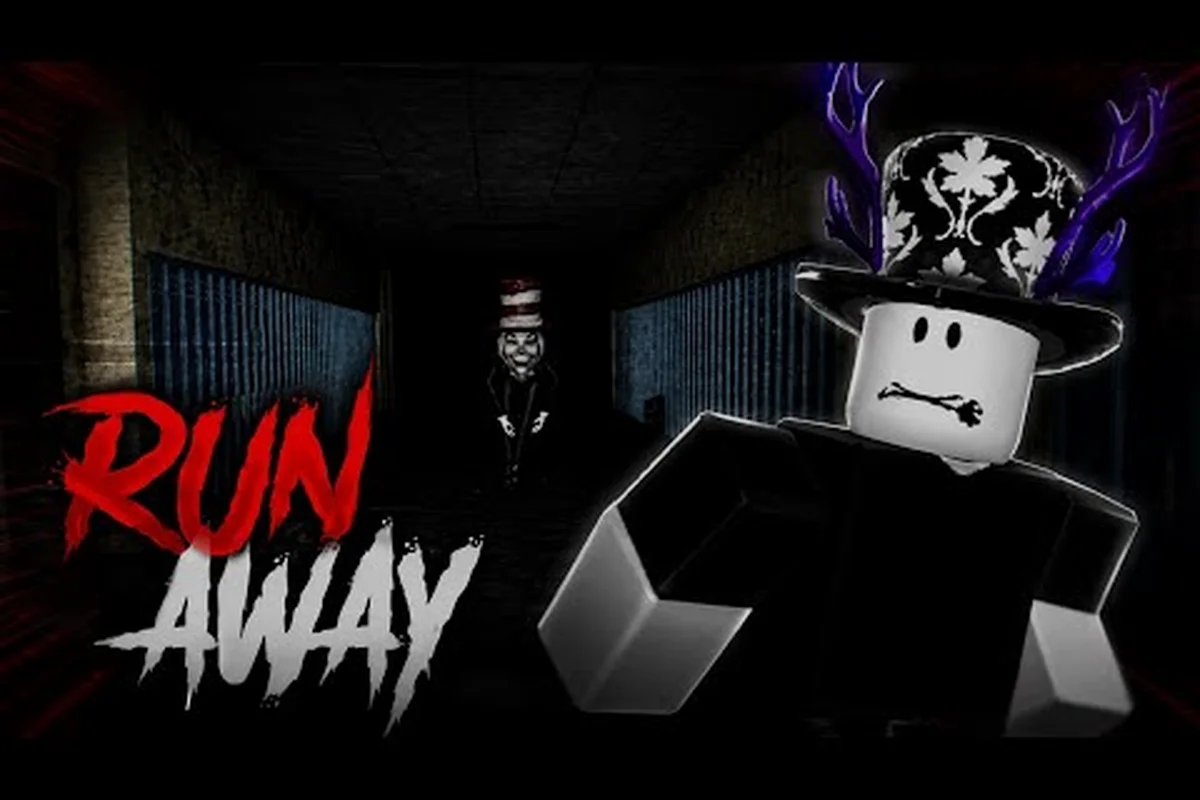
Scream And Run Default Controls: Full PC Keybind List and Tips
Review the Scream And Run default controls with a complete PC keybind list covering movement, sprint, crouch, crawl, flashlight, and stamina tips for new players.
Scream And Run How To Run: Shift Sprint, Crouch, and Noise
Master the Scream And Run how to run basics covering Shift sprint, C crouch, crawl timing, and the noise discipline that keeps monsters off your trail.

Scream And Run Sprint Controls: Stamina Drain and Noise Cost
Master Scream And Run sprint controls with the Shift keybind, stamina drain rules, and the noise trade-offs that decide when sprinting gets you caught.
All Articles
Scream And Run Best Settings: Sensitivity, FOV, and Audio
Tune the Scream And Run best settings for dark hallways with sensitivity, FOV, audio balance, and performance options so you hear monsters early.

Scream And Run Console Controls: Xbox and PlayStation Button Map
Set up Scream And Run console controls with a full Xbox and PlayStation button map, controller layout tips, and how to switch seamlessly to mobile touch controls.

Scream And Run Crawl Mechanic: C Key and Stamina Costs
Learn the Scream And Run crawl mechanic with the C keybind, stamina drain rules, and the tight vents and gaps where crawling saves your run.
Scream And Run Slide Button: Bind, Remap, and Movement Combos
Find the Scream And Run slide button, learn how to remap it with Shift sprint and crawl, and tighten every dodge so you outpace monsters without burning stamina.